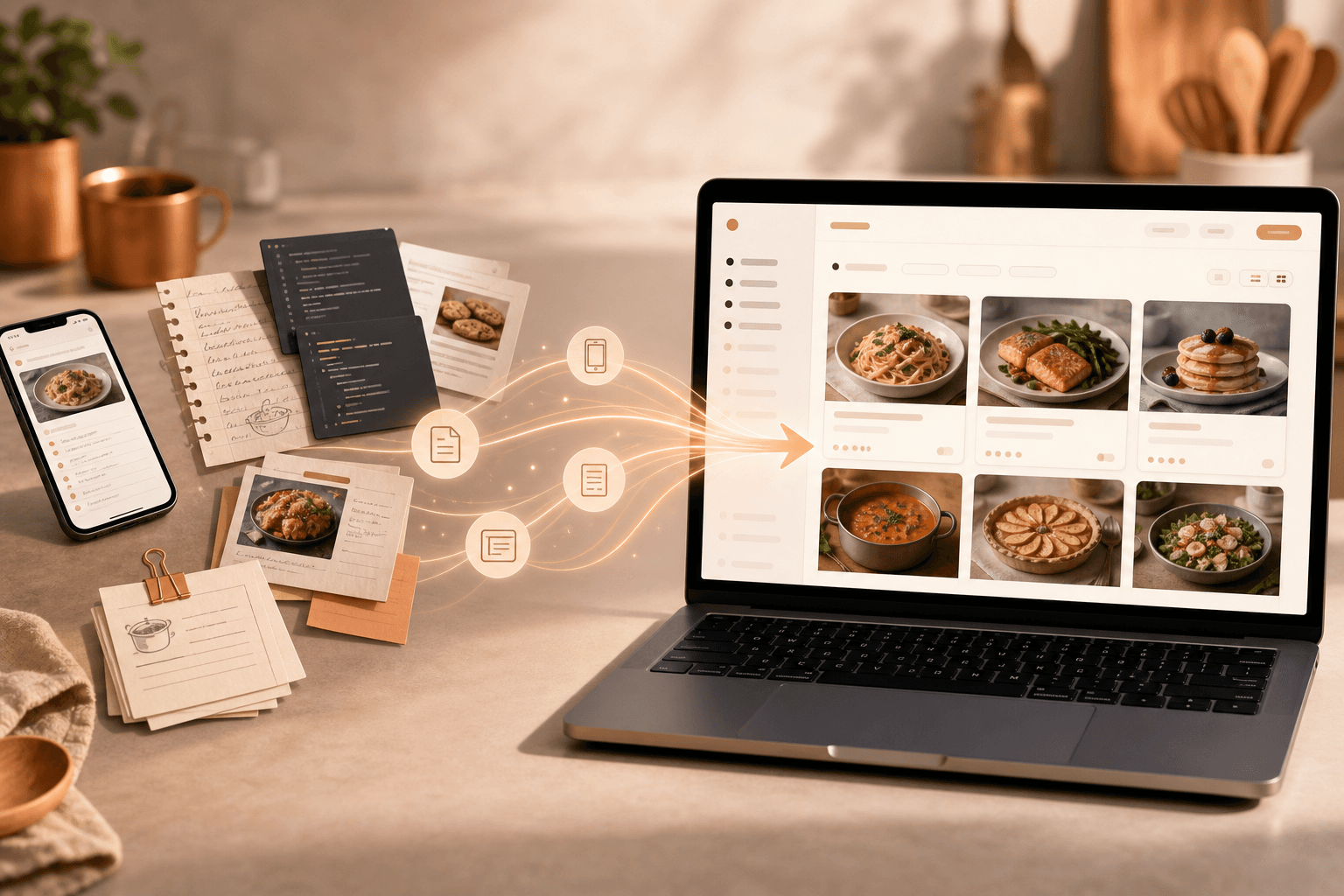
What you get
For chefs who want a book in people's hands.
Get the highlights.
Import, design, publish, and sell. All in one app.
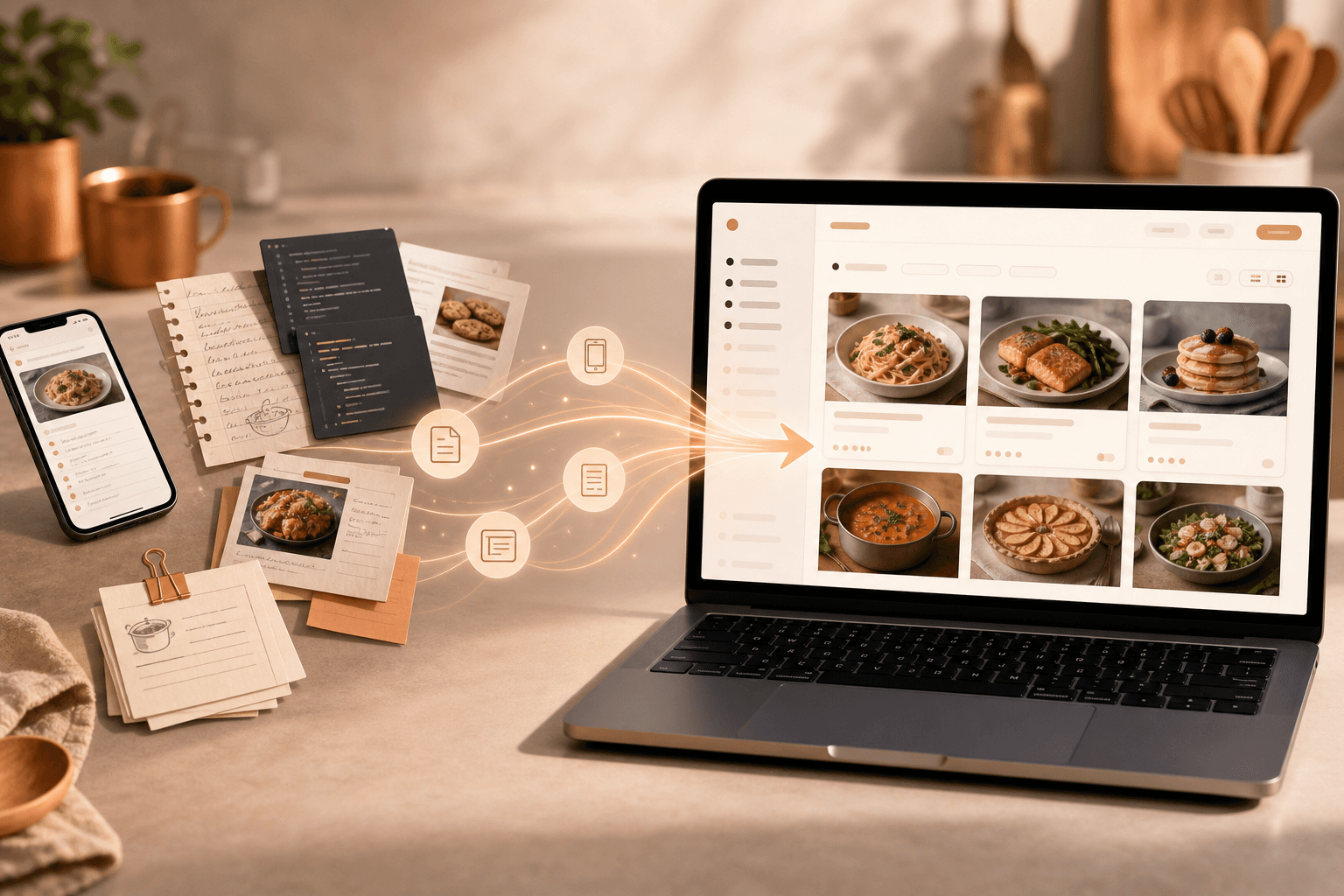
Import your recipes
Notes, spreadsheets, and photo folders. Review before anything lands in your library.
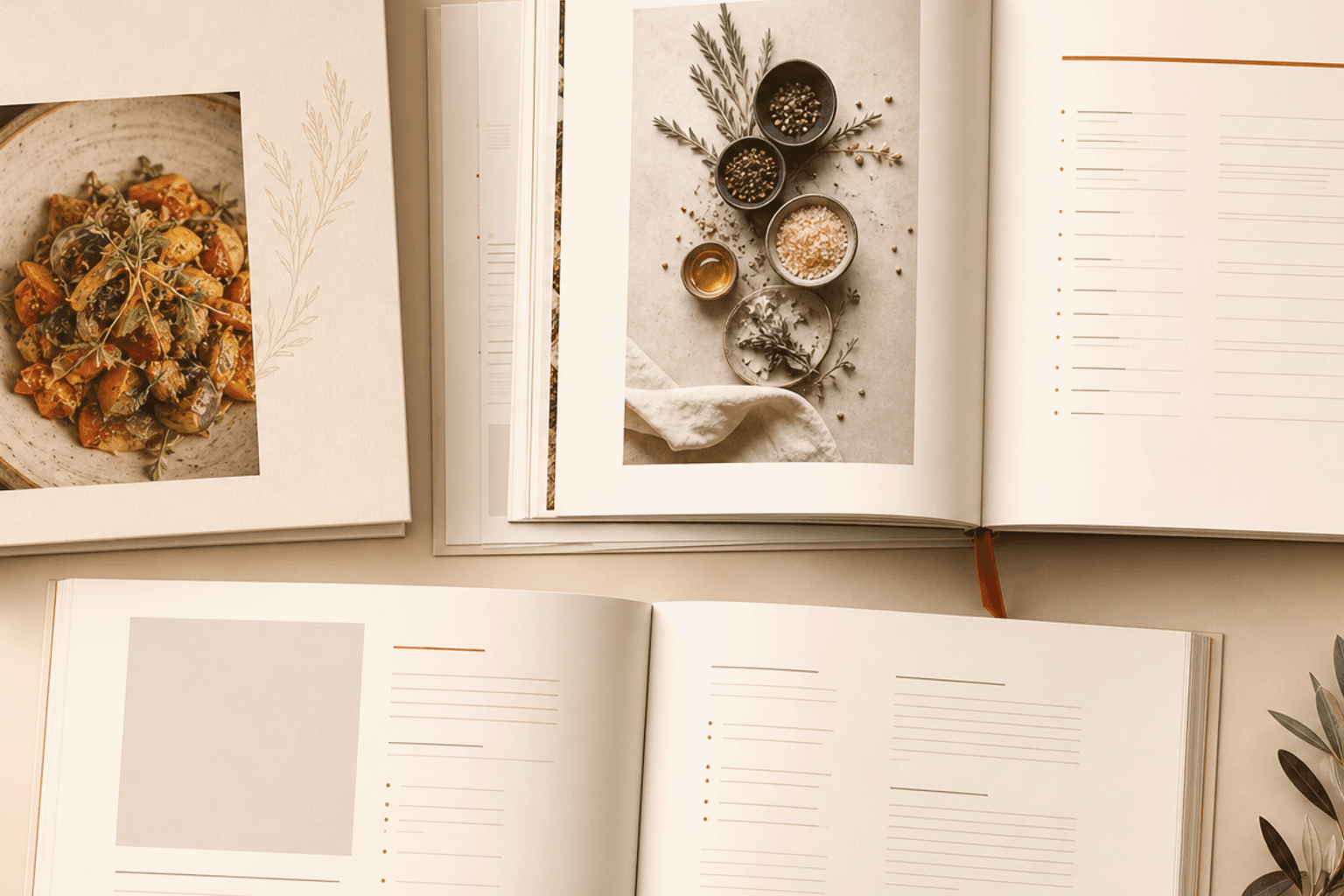
Design the book
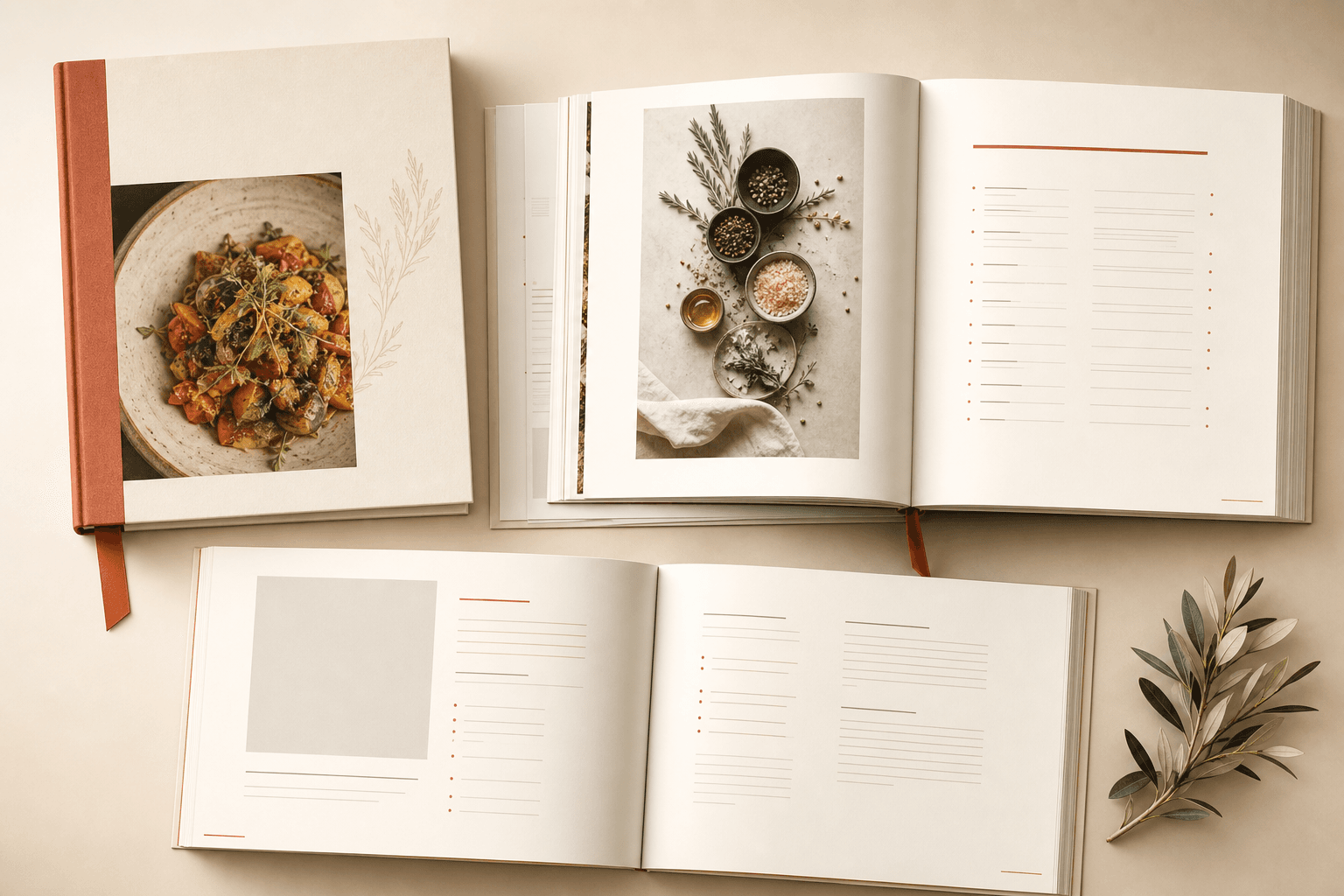
Chapters, covers, and layouts that look like a real cookbook. Ready for print.
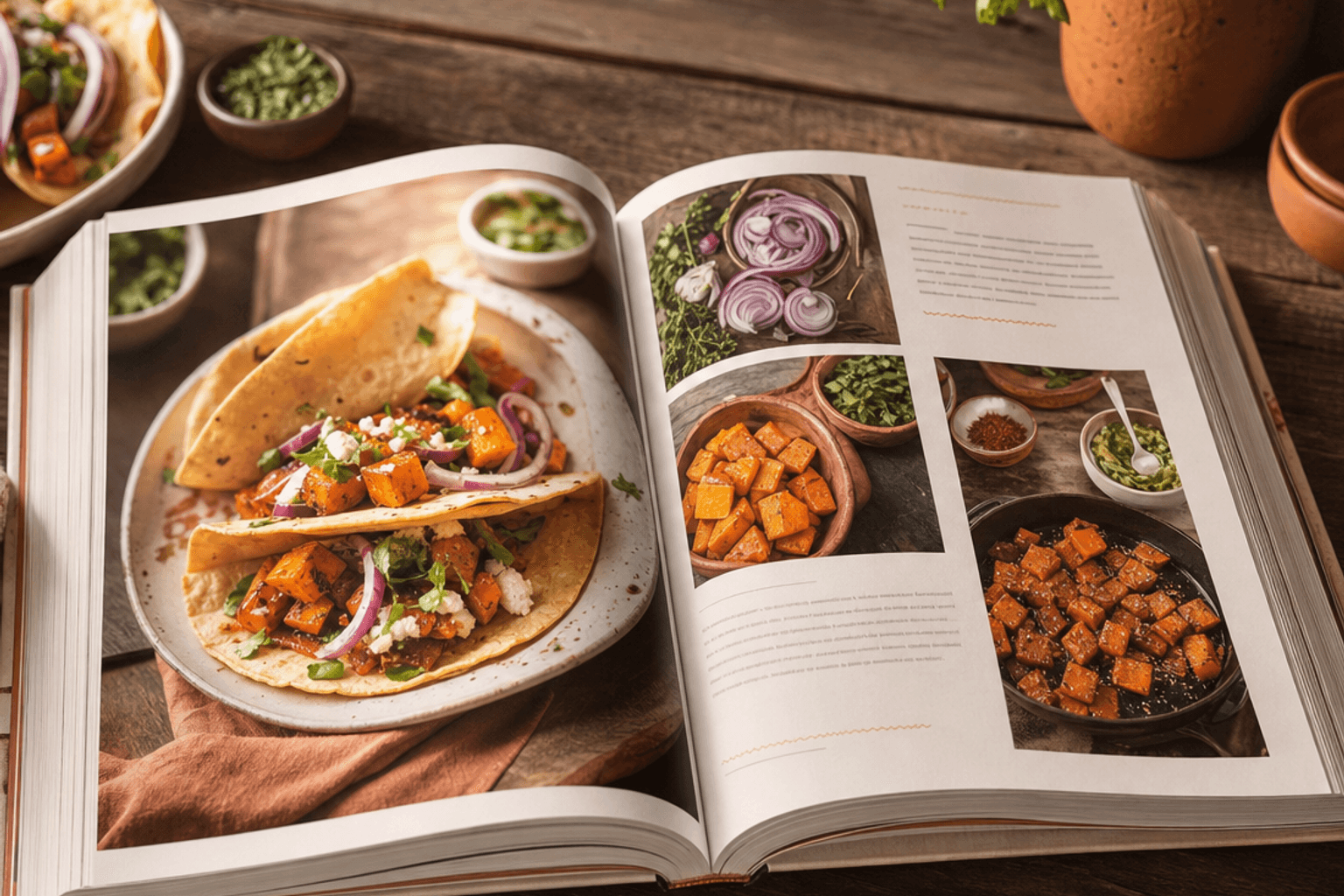
Tease on your website
A clean recipe website for dishes you are happy to share. Keep the rest for the book.
Sell copies
Print-ready PDFs, your recipe website, and Amazon when you are ready. Same recipes, one collection.
Import your recipes
Notes, spreadsheets, and photo folders. Review before anything lands in your library.
Design the book
Chapters, covers, and layouts that look like a real cookbook. Ready for print.
Tease on your website
A clean recipe website for dishes you are happy to share. Keep the rest for the book.
Sell copies
Print-ready PDFs, your recipe website, and Amazon when you are ready. Same recipes, one collection.
Four parts, one path
Collect recipes, build the book, make it look right, sell it. Tease a few dishes online if you want.
Your recipe collection
Every recipe in one place. Sort by cuisine, course, and tags once. Pull the same dish into multiple books without retyping it.
Your cookbook
Build the actual book: chapters, photos, nutrition, short intros. See what is still missing before you send it to the printer.
Book design
Pick a look that fits your food. Color themes and page layouts for recipes and covers. What you preview is what prints.
Sell the book
Download print-ready PDFs. Sell digital or printed copies. Share a few teaser recipes on your recipe website if you want. Save the good stuff for people who buy the book.
Take a closer look.
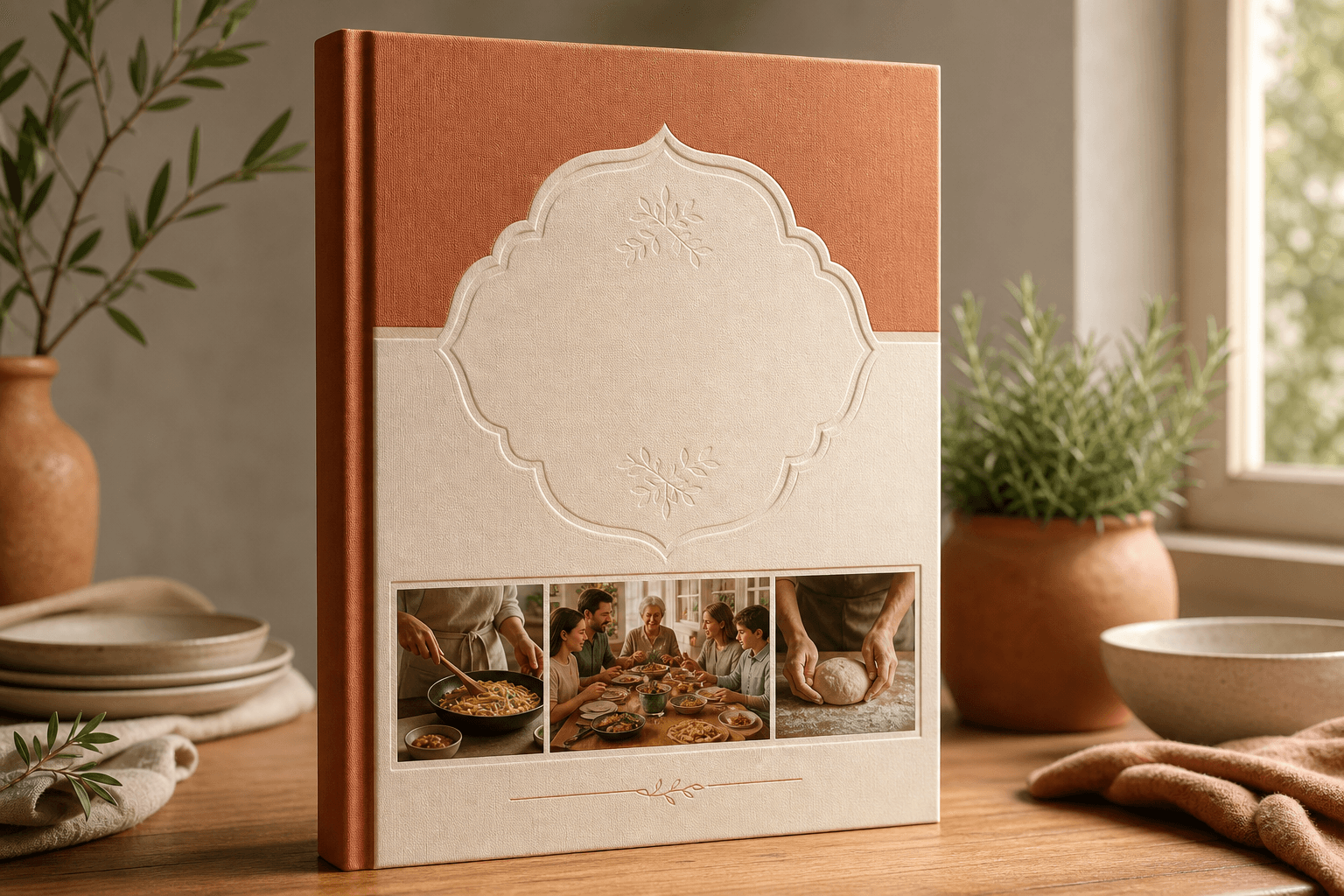
The cookbook
Chapters, cover design, nutrition, and print-ready PDFs. This is what readers pay for. Keep your best work here.
From recipes to a book you can sell
Six steps from scattered recipes to a book you can sell.
Import
Bring recipes from Apple Notes, spreadsheets, text files, or a folder of images. Review what came in before it lands in your collection.
Organize
Tag by cuisine, course, and style. CookBookr suggests categories from titles and ingredients. Fix anything it gets wrong in one pass.
Polish
Add photos, short intros, and nutrition from your ingredient list. Nothing goes live or to print until you say so.
Import
Bring recipes from Apple Notes, spreadsheets, text files, or a folder of images. Review what came in before it lands in your collection.
Organize
Tag by cuisine, course, and style. CookBookr suggests categories from titles and ingredients. Fix anything it gets wrong in one pass.
Polish
Add photos, short intros, and nutrition from your ingredient list. Nothing goes live or to print until you say so.
Build the book
Choose recipes for each chapter. Track what still needs a photo or a blurb. The book is a project, not a second pile of files.
Design it
Pick layouts and typography. Flip through the whole book on screen before you order a single copy.
Sell it
Print-ready PDF for your printer or printed when someone orders. Sell digital copies. List on Amazon when you are ready. Add a recipe website if you want a few teasers online.
Build the book
Choose recipes for each chapter. Track what still needs a photo or a blurb. The book is a project, not a second pile of files.
Design it
Pick layouts and typography. Flip through the whole book on screen before you order a single copy.
Sell it
Print-ready PDF for your printer or printed when someone orders. Sell digital copies. List on Amazon when you are ready. Add a recipe website if you want a few teasers online.
Sell where people already shop
Your recipe website, printed copies when someone orders, or Amazon. Mix and match.
Sell the PDF on your website
Offer a digital download on your own recipe website (EPUB when we add it). You set the price. They get the file right after checkout.
Online sales checkout is rolling out.Printed copies, no warehouse
Offer a hardcover or paperback on your recipe website. Each order prints one copy and ships to the reader. You never stack boxes in your kitchen.
Connect your print partner account in settings.Sell on Amazon
Download a ready-to-upload package: interior PDF, cover, and a checklist for Kindle Direct Publishing. Amazon prints when someone buys.
You upload once on Amazon's website. We do not store your Amazon password.Why people finish the book
The grid is the map. This is what turns a pile of recipes into something you can sell.
A real collection, not twelve versions of the same stew
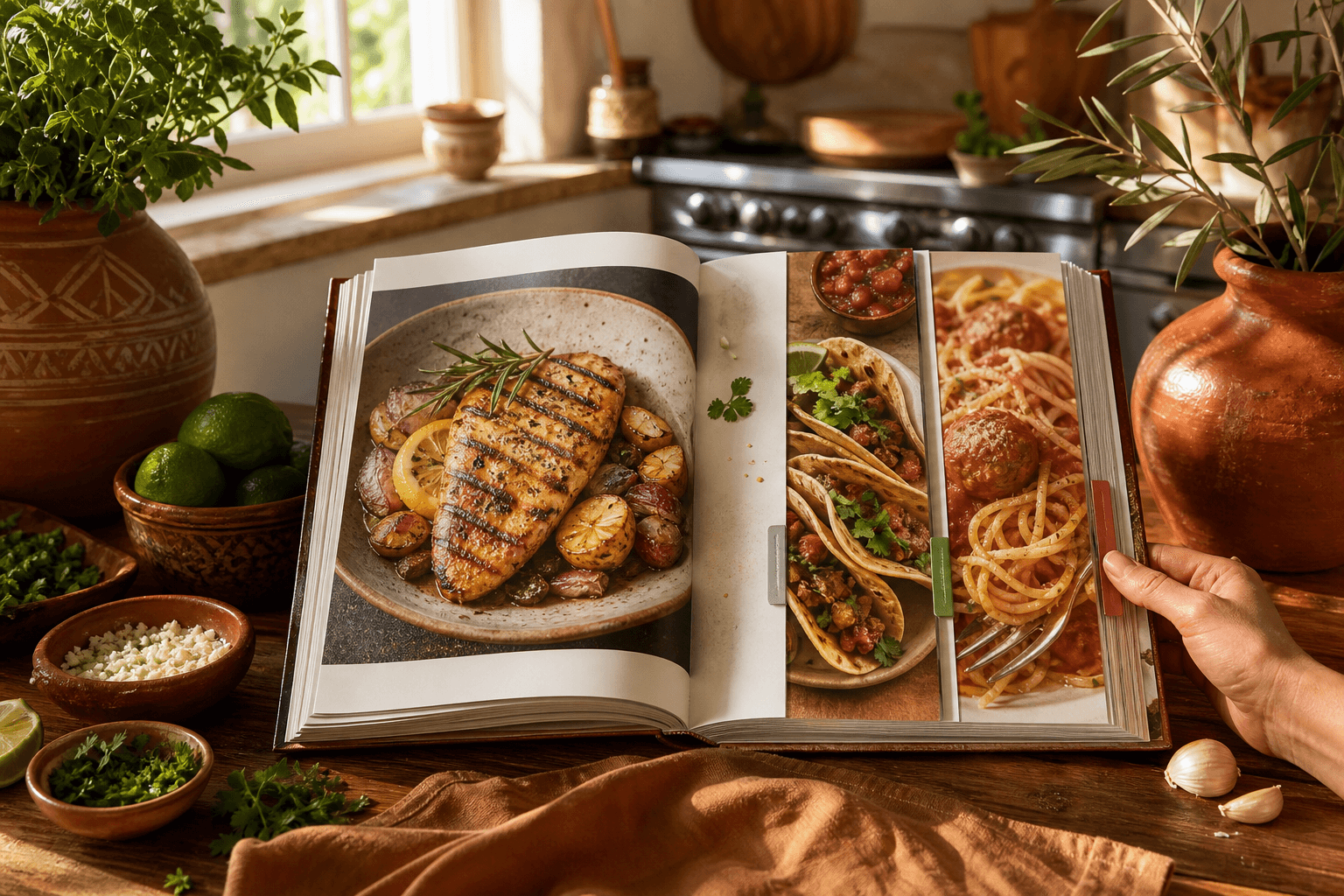
Categories and tags live at your account level. Suggestions run when you import. You stay in charge when the guess is wrong.
Ready for the printer
Covers, spreads, page numbers, and PDFs a printer will actually accept. Free accounts get a watermark so you can try the full flow before you pay.
Print, digital, Amazon, and a recipe website if you want one
Same recipes, same book. Sell copies, tease a few dishes online, and keep book-only recipes for people who actually paid for it.
Your recipes deserve better than a folder
Free account. Import a batch of recipes and see how fast they become a real book layout.
Create free account